How to Optimize Your Blogspot Blog for Better SEO
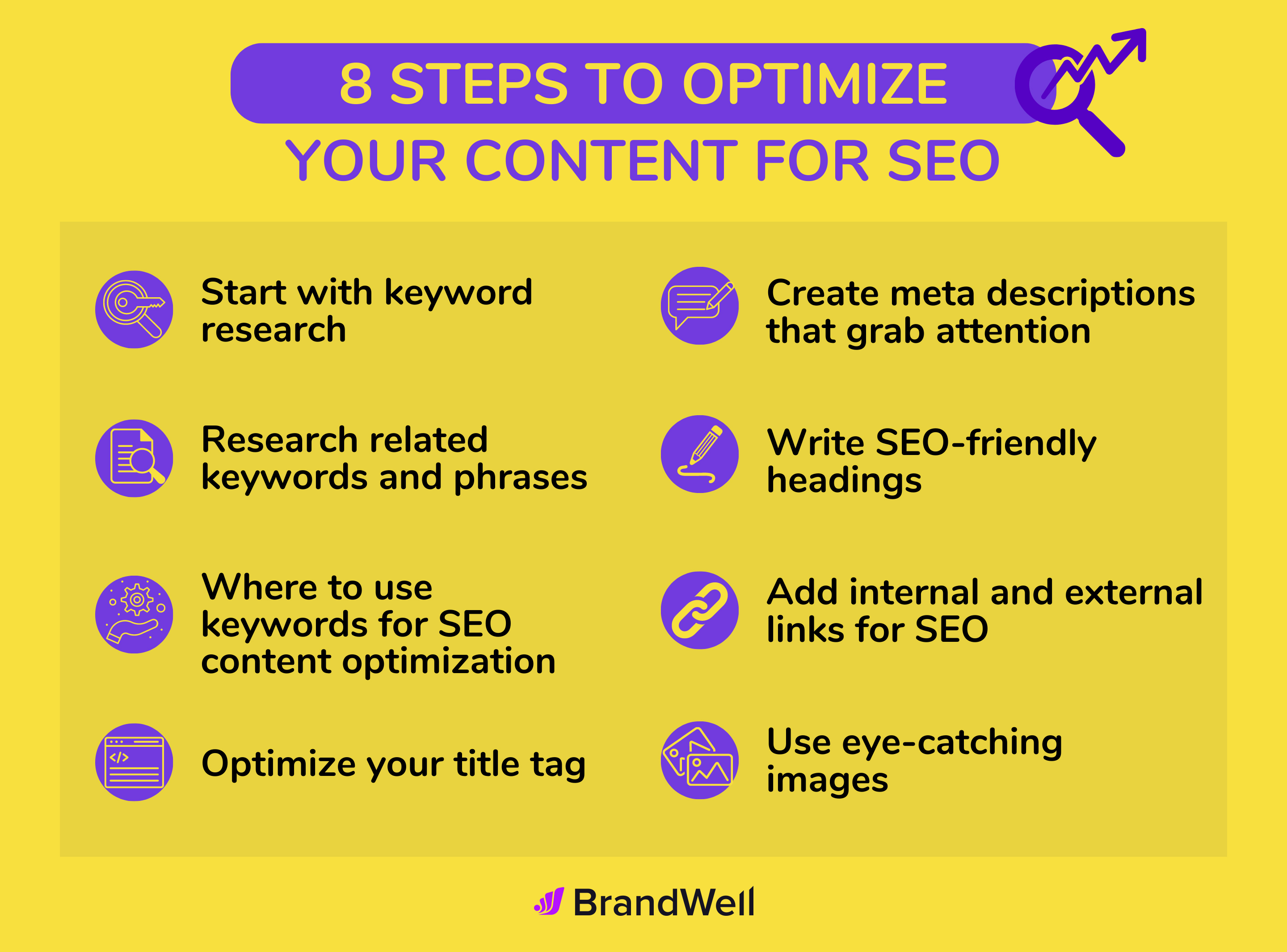
Hey there, friends! Welcome back to our cozy corner of the internet. Grab a cup of coffee, tea, or whatever fuels your creative engine, because today we are diving into a topic that is absolutely crucial for your digital success. We are going to talk about something that might seem a little intimidating at first, but I promise you, by the time we are done, you will feel like an absolute pro. We are talking about SEO—Search Engine Optimization—and specifically, how we can apply it to a platform that holds a special place in many of our hearts: Blogspot.
How to Optimize Your Blogspot Blog for Better SEO
When you hear the word "SEO," you might instantly think of expensive Word Press setups, complicated plugins, and a whole lot of technical jargon that makes your head spin. But what if I told you that you can achieve incredible search engine rankings right from your free Blogspot (Blogger) dashboard? Yes, you heard that right! Whether you are a hobbyist sharing your weekend adventures or a serious entrepreneur building a niche empire, optimizing your Blogspot blog is entirely within your reach. Let us embark on this journey together and unlock the hidden potential of your blog.
The Deep Dive: Why Blogspot SEO is a Hidden Goldmine

Before we get our hands dirty with the technical steps, let us take a moment for a deep analysis of the Blogspot ecosystem. Why do so many people dismiss Blogspot when it comes to serious SEO? Often, it is because of the platform's age and its reputation as a "beginner's tool." Back in the early 2000s, everyone and their mother had a .blogspot.com subdomain where they posted low-resolution photos of their cats and daily diary entries. Because of this history, a myth developed in the digital marketing community that you simply cannot rank a Blogger site on Google.
Friends, that is simply not true. Let us look at the facts. Who owns Blogger? Google. Who is the biggest search engine in the world? Google. When you host your blog on Blogspot, you are hosting it directly on Google's incredibly robust, lightning-fast, and highly secure servers. You never have to worry about your site crashing because of a traffic spike, and you never have to pay for an SSL certificate to get that secure "HTTPS" padlock. Google's infrastructure is already doing a lot of the heavy lifting for you.
However, the catch is that Blogger does not spoon-feed you SEO the way some modern plugins do. There is no little traffic light system telling you if your keyword density is good. You have to understand the mechanics of SEO and apply them manually. This is actually a blessing in disguise! By learning how to optimize your Blogspot blog from scratch, you are learning the fundamental principles of how search engines crawl, index, and rank content. You are not just clicking buttons; you are becoming a true webmaster.
The core of our deep dive reveals this truth: SEO is about providing the best possible answer to a user's query, wrapped up in a fast, accessible, and structured package. Blogspot gives you the canvas and the server speed. It is up to us to paint the masterpiece using the right tags, the right keywords, and the right user experience. So, are you ready to transform your blog from a hidden diary into a traffic-generating machine? Let us get into the exact steps you need to take.
Your Step-by-Step Blueprint to Blogspot SEO Domination

Alright, friends, it is time to roll up our sleeves and open up that Blogger dashboard. I have broken down this optimization process into a comprehensive list of key points. Follow these steps, and you will be miles ahead of the competition.
1. Invest in a Custom Domain Name
While you certainly can rank a .blogspot.com URL, having a custom domain (like www.yourawesomeblog.com) is the single most important step you can take for your brand's authority. Search engines, and more importantly, human readers, trust a custom domain much more than a free subdomain. It shows that you are serious about your content. You can purchase a domain cheaply through Google Domains or any other registrar and easily link it to your Blogspot dashboard under Settings > Publishing. It is a small investment that yields massive SEO returns.
2. Master the Search Preferences and Meta Tags
This is where the magic happens, friends. In your Blogger dashboard, navigate to the "Settings" menu and scroll down to the "Meta tags" section. First, enable "Enable search description." This allows you to write a custom, 150-character summary of what your entire blog is about. Use your primary keywords here naturally. But wait, it gets better! By enabling this, you also unlock the ability to write custom search descriptions for every single post you write. Never publish a post without filling in the "Search Description" box on the right-hand sidebar of the post editor. This is what Google often uses as the snippet in search results, and a compelling description will drastically increase your click-through rate.
3. Configure Custom Robots Header Tags
Now we are getting into the advanced stuff, but do not panic, we will do this together. Scroll down to the "Crawlers and indexing" section in your Settings. Enable "Enable custom robots header tags." This tells Google exactly which pages to index and which to ignore. Here is the optimal setup for most blogs:
For "Home page tags": Check "all" and "noodp". This tells Google to crawl your homepage and use your meta description rather than a directory listing.
For "Archive and search page tags": Check "noindex" and "nofollow". Why? Because archive pages and label search pages create duplicate content. You do not want Google indexing three different versions of the same article. You only want them indexing the original post. This is a massive SEO lifesaver!
For "Post and page tags": Check "all" and "noodp". This ensures your actual articles and static pages are fully indexed and ready to rank.
4. Crafting the Perfect Custom Permalink
Whenever you write a new post, Blogger automatically generates a URL (permalink) based on your blog post title. Often, this results in a long, ugly URL filled with "stop words" (like 'and', 'the', 'of', 'to'). Search engines prefer clean, concise URLs that clearly state the topic. Before you hit publish on a new post, look at the right-hand sidebar, click on "Permalink," and select "Custom Permalink." If your post title is "10 Amazing Ways to Bake a Chocolate Cake at Home," your custom permalink should simply be "bake-chocolate-cake-home". Keep it short, keyword-rich, and punchy.
5. Optimize Your Images Like a Pro
We all love beautiful images, but large, unoptimized image files will slow down your blog, and Google hates slow websites. Before you upload an image to Blogspot, compress it using a free online tool like Tiny PNG. Once uploaded, click on the image in the editor, click the little gear icon (Properties), and fill out the "Title text" and "Alt text." The Alt text is crucial! It tells search engines exactly what the image is about, helping you rank in Google Image Search and making your blog accessible to visually impaired readers. Describe the image accurately and naturally include a keyword if it fits.
6. Use Heading Tags (H1, H2, H3) Correctly
Think of your blog post as a textbook. You would not read a textbook that was just one massive wall of text, right? Neither do search engines. You need to structure your content using heading tags. In Blogger, your Post Title is automatically your H1 (Major Heading). You should only have one H1 per page. Inside your post editor, use the "Heading" option (which creates an H2) for your main points. Use "Subheading" (H3) for points under your main points, and "Minor Heading" (H4) for even smaller details. This hierarchy helps Google understand the context and structure of your article, making it much easier to rank for long-tail keywords.
7. Internal and External Linking Strategies
Links are the currency of the internet. To boost your SEO, you need a strong linking strategy. Internal linking means linking from your new blog post to older blog posts you have written. This keeps readers on your site longer (reducing bounce rate) and helps Google crawl your older content. Make it a habit to include 2-3 internal links in every post. External linking means linking out to high-authority websites (like Wikipedia, major news outlets, or official studies) to back up your claims. This shows Google that your content is well-researched and trustworthy.
8. Ensure Mobile-First Responsiveness
Friends, we live in a mobile world. Over half of all web traffic comes from smartphones. Google now uses "mobile-first indexing," which means they look at the mobile version of your blog to determine your rankings. If you are using a legacy Blogger theme from 2010, it is time for an upgrade. Go to the "Theme" section and choose one of the modern, responsive themes (like Contempo, Soho, Emporio, or Notable). These themes automatically adjust to look beautiful on any screen size, giving your readers a great experience and keeping Google happy.
Frequently Asked Questions from Our Community
I know we have covered a ton of ground today, and your brain might be buzzing with ideas. To help clarify things, let us dive into a Q&A section based on the most common questions I hear from our amazing community of bloggers.
Q1: Can a Blogspot blog really rank on the first page of Google alongside big Word Press sites?
Absolutely, 100% yes! Search engines do not rank platforms; they rank content. If your Blogspot blog provides a faster, more comprehensive, and more engaging answer to a user's

Post a Comment for "How to Optimize Your Blogspot Blog for Better SEO"
Post a Comment