Best Linux Distros for Privacy and Security
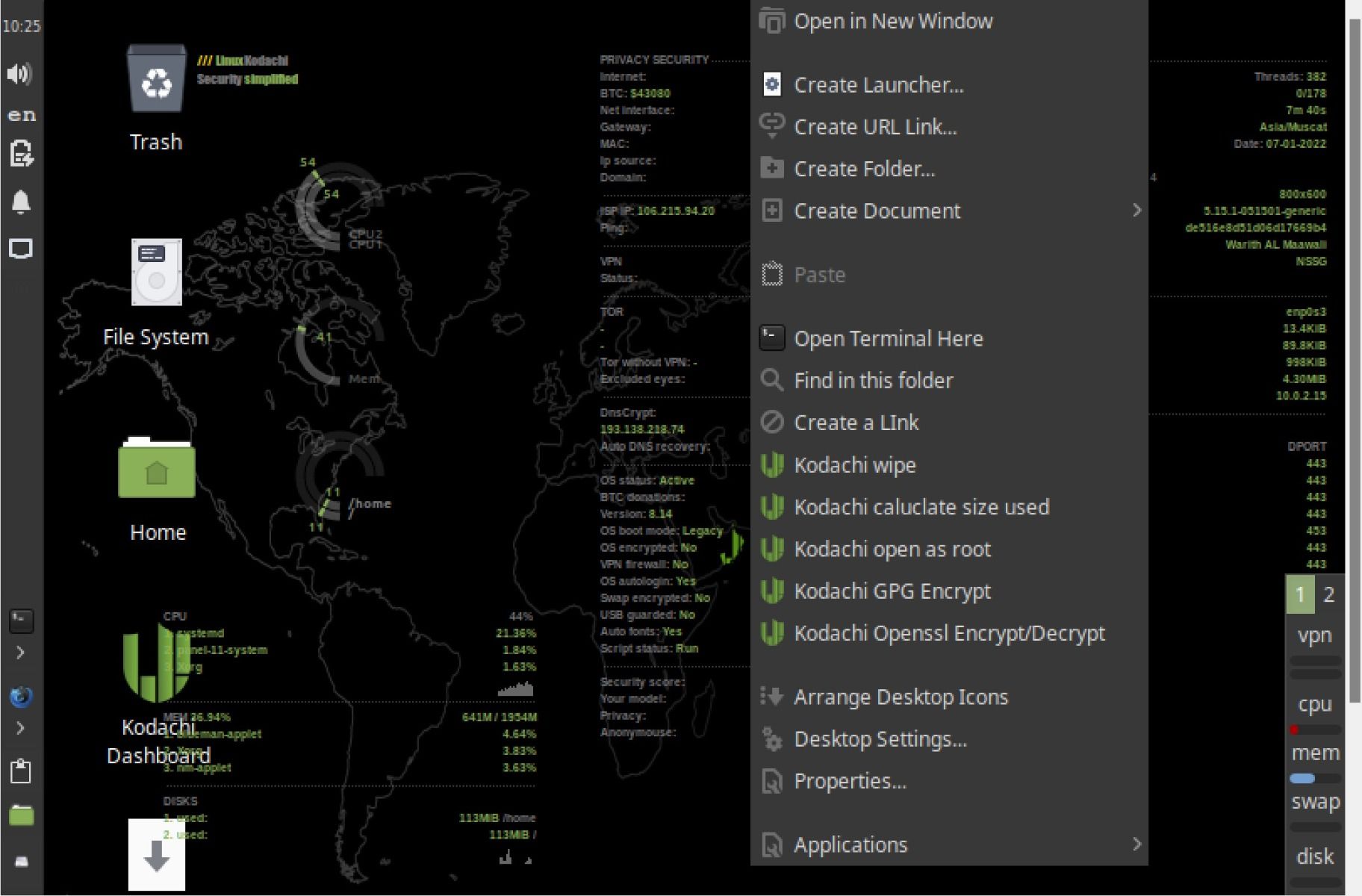
Best Linux Distros for Privacy and Security: Your Shield in the Digital World
Choosing thebest Linux distros for privacy and securitycan feel like navigating a minefield in today's digital landscape, but fear not, this guide will illuminate your path.
Hey there, friends! Ever feel like you're being watched online? Like every click, every search, everycat videoyou watch is being meticulously tracked and analyzed? You're not paranoid – it's pretty much happening. In this era of data breaches, targeted advertising, and government surveillance, protecting your digital privacy and security is more important than ever. It's like locking your front door, but for your online life. Except instead of a physical key, you need to choose the right operating system – specifically, a Linux distribution built with privacy and security in mind.
Let's face it, most mainstream operating systems aren't exactly privacy paragons. They're often riddled with telemetry, data collection, and features that prioritize convenience over control. Imagine your OS is like a chatty neighbor who constantly eavesdrops on your conversations and sells the information to advertisers.Creepy, right?
But there's good news! The Linux world offers a plethora of distributions specifically designed to safeguard your data and protect your anonymity. These aren't your grandma's Linux distros (unless your grandma is a cybersecurity expert, in which case,kudos, Grandma!*). They come packed with pre-configured security tools, privacy-focused features, and a commitment to minimizing data collection.
Think of them as your digital bodyguards, constantly working in the background to shield you from prying eyes and malicious actors. They're like the ninjas of operating systems, silent, efficient, and always ready to defend your digital kingdom.
The problem? Choosing the right one can be overwhelming. There are so many options, each with its own strengths, weaknesses, and quirky personalities. It's like trying to pick theperfect avocadoat the grocery store – you want one that's ripe but not too ripe, firm but not too hard, and definitely not bruised.
But don't worry, that's where this guide comes in! We're going to break down thebest Linux distros for privacy and security, highlighting their key features, target audiences, and overall effectiveness. We'll help you find the perfect distro to suit your needs and skill level, whether you're a seasoned Linux guru or a complete newbie.
Consider this your friendly guide to navigating the sometimes-confusing world of privacy-focused Linux distributions. We’ll unpack the technical jargon, explain the core concepts, and provide you with the information you need to make an informed decision. You will find the perfect distro that gives you back control over your data.
So, grab your favorite beverage, settle in, and prepare to dive into the exciting world of privacy-respecting operating systems. Are you ready to reclaim your digital freedom? Keep reading to find out which Linux distro is your ultimate shield in the digital world!
Understanding the Importance of Privacy and Security in Linux
Why Privacy Matters
In today's world, privacy is not merely a luxury; it’s a necessity. Data breaches are becoming increasingly common, exposing sensitive personal information to malicious actors. Think about your social security number, bank details, medical records, and even your browsing history – all potentially vulnerable.Scary thought, isn't it?
A privacy-focused Linux distro can help minimize the risk of data breaches by reducing the amount of data collected and stored on your device. It provides tools and configurations that allow you to control who has access to your information and how it's used.
Furthermore, privacy protects you from targeted advertising and manipulation. Ever noticed how ads seem to follow you around the internet after you search for something specific? That's because your browsing activity is being tracked and analyzed. A privacy-respecting distro can help block trackers and prevent companies from building a profile of your online behavior.
Security Considerations
While privacy focuses on protecting your personal information, security aims to safeguard your system from malware, viruses, and other threats. A secure Linux distro provides a robust defense against these attacks by implementing various security measures, such as:Strong encryption: Encrypting your hard drive protects your data from unauthorized access if your device is lost or stolen. Regular security updates: Keeping your system up-to-date with the latest security patches is crucial for patching vulnerabilities and preventing exploits. Firewall: A firewall acts as a barrier between your system and the outside world, blocking unauthorized network connections. App Armor or SELinux: These security modules provide mandatory access control, limiting the capabilities of applications and preventing them from causing harm to the system.
By combining privacy and security features, a well-chosen Linux distro can provide a comprehensive defense against a wide range of threats, ensuring that your data and your system remain protected.
The Linux Advantage
Linux, by its very nature, offers several advantages in terms of privacy and security compared to other operating systems.
Open Source: Linux is open source, which means its source code is publicly available for anyone to review and audit. This transparency allows security experts to identify and fix vulnerabilities more quickly. Customizability: Linux is highly customizable, allowing you to tailor the system to your specific needs and security requirements. You can choose which software to install, which services to enable, and which security features to configure. Community Support:The Linux community is vast and active, providing a wealth of resources, documentation, and support. This community is constantly working to improve the security and privacy of Linux distributions.
These advantages, combined with the specific features of privacy-focused distros, make Linux an excellent choice for anyone who values their digital privacy and security.
Top Linux Distros Prioritizing Privacy and Security
Tails (The Amnesic Incognito Live System)
Description: Tails is arguably thegold standardfor privacy-focused Linux distributions. It's designed to be a live system, meaning it runs entirely from a USB drive or DVD without leaving any traces on your computer's hard drive.Think of it as a digital ghost.
Key Features:
Tor by Default: All internet traffic is routed through the Tor network, anonymizing your online activity.
Amnesic: Tails erases all data from RAM when shut down, leaving no trace of your session.
Pre-configured Security Tools: Includes a suite of security tools, such as Onion Share for secure file sharing and Pidgin for encrypted messaging.
Focus on Anonymity: Designed to protect your identity and location online.
Target Audience: Journalists, activists, and anyone who needs to maintain a high level of anonymity.
Why it's Great: Tails provides an unparalleled level of privacy and security, making it ideal for sensitive tasks.
Drawbacks: It can be slower than other distros due to the Tor network, and it's not designed for everyday use. Requires some technical proficiency to set up and use effectively.
Qubes OS
Description: Qubes OS takes a different approach to security by using virtualization to isolate applications and processes. Each application runs in its own virtual machine, preventing it from accessing other parts of the system.Imagine each app living in its own little bubble.
Key Features:
Security by Isolation: Applications are isolated in virtual machines, preventing malware from spreading to other parts of the system.
Xen Hypervisor: Uses the Xen hypervisor to provide strong virtualization capabilities.
Template-Based: Applications are based on templates, making it easy to update and manage software.
Integration with Tor and Whonix: Can be integrated with Tor and Whonix for enhanced anonymity.
Target Audience: Security professionals, developers, and anyone who needs to run potentially untrusted applications.
Why it's Great: Qubes OS provides a high level of security by isolating applications and preventing malware from spreading.
Drawbacks: It requires significant system resources and can be complex to set up and use. It also needs some getting used to to wrap your head around the concept of virtual machines.
Whonix
Description: Whonix is a Debian-based distribution designed to be used exclusively with Tor. It consists of two virtual machines: a Workstationand a Gateway. All traffic from the Workstation is routed through the Gateway, which then connects to the Tor network.
Key Features:
Tor by Default: All traffic is forced through the Tor network.
Network Isolation: The Workstation is isolated from the network, preventing it from being directly exposed to the internet.
DNS Leak Protection: Prevents DNS leaks, ensuring that your true IP address is not revealed.
Easy to Use: Relatively easy to set up and use, especially for those familiar with virtual machines.
Target Audience: Anyone who wants to use Tor for all their online activities.
Why it's Great: Whonix provides a secure and anonymous environment for browsing the web and using other online services.
Drawbacks: It requires a virtual machine environment and can be slower than other distros due to the Tor network.
Pure OS
Description: Pure OS is a Debian-based distribution developed by Purism, a company that produces privacy-focused laptops and phones. It's designed to be a user-friendly and secure operating system that respects your privacy.
Key Features:
Focus on Free and Open Source Software: Only includes free and open source software.
Privacy-Respecting Defaults: Configured with privacy-respecting defaults, such as Duck Duck Go as the default search engine.
Pre-installed Security Tools: Includes a suite of security tools, such as Tor Browser and HTTPS Everywhere.
Librem Key Support: Supports the Librem Key, a hardware security token that can be used for authentication and encryption.
Target Audience: Anyone who wants a user-friendly and privacy-respecting operating system for everyday use.
Why it's Great: Pure OS is easy to use and provides a good balance between privacy, security, and usability.
Drawbacks: It may not be as feature-rich as some other distros, and it's primarily designed for Purism hardware.
Parrot OS
Description: Parrot OS is a Debian-based distribution designed for penetration testing, security auditing, and digital forensics. It comes with a wide range of security tools pre-installed.
Key Features:
Extensive Security Tools: Includes a vast collection of security tools for penetration testing, vulnerability analysis, and digital forensics.
Lightweight and Fast: Designed to be lightweight and fast, even on older hardware.
Anonymity Tools: Includes tools for anonymizing your online activity, such as Tor and I2P.
Customizable: Highly customizable, allowing you to tailor the system to your specific needs.
Target Audience: Security professionals, penetration testers, and anyone interested in cybersecurity.
Why it's Great: Parrot OS provides a comprehensive suite of tools for security testing and analysis.
Drawbacks: It can be overwhelming for beginners, and it's not designed for everyday use. Requires a strong understanding of security concepts and tools.
Configuring Your Chosen Distro for Enhanced Privacy
Even with a privacy-focused distro, some additional configurations can significantly enhance your privacy and security. Here are some key steps:
Hard Drive Encryption
Encrypting your hard drive is crucial for protecting your data from unauthorized access if your device is lost or stolen. Most Linux distros offer the option to encrypt your hard drive during installation. Choose a strong passphrase and store it securely.Don't be lazy with your password – think of it as the key to your digital vault!
Firewall Configuration
A firewall acts as a barrier between your system and the outside world, blocking unauthorized network connections. Most Linux distros come with a pre-installed firewall, such as `ufw` or `iptables`. Enable and configure the firewall to allow only necessary connections.
DNS Leak Protection
DNS leaks can reveal your true IP address even when using a VPN or Tor. To prevent DNS leaks, configure your system to use a privacy-respecting DNS server, such as Cloudflare (1.1.1.1) or Quad9 (9.9.9.9). You can configure this in your network settings or by editing the `/etc/resolv.conf` file.
Browser Configuration
Your web browser is a major source of privacy leaks. Configure your browser with privacy-enhancing extensions, such as: u Block Origin: Blocks ads, trackers, and malware. Privacy Badger: Automatically learns to block trackers. HTTPS Everywhere: Forces websites to use HTTPS encryption whenever possible. No Script: Blocks Java Script, which can be used for tracking and exploitation.
Also, consider using a privacy-focused search engine, such as Duck Duck Go, which doesn't track your searches.
Regular Updates
Keeping your system up-to-date with the latest security patches is crucial for patching vulnerabilities and preventing exploits. Configure your system to automatically download and install security updates.
Staying Vigilant: Ongoing Privacy Practices
Choosing a privacy-focused Linux distro is a great first step, but it's not a silver bullet. Maintaining your privacy and security requires ongoing vigilance and good habits. Here are some tips: Use Strong Passwords: Use strong, unique passwords for all your accounts. Consider using a password manager to generate and store your passwords securely. Enable Two-Factor Authentication: Enable two-factor authentication (2FA) whenever possible. This adds an extra layer of security to your accounts. Be Careful What You Click: Be wary of suspicious links and attachments. Don't click on anything that looks phishy or untrustworthy. Limit Data Sharing: Be mindful of the data you share online. Avoid sharing sensitive information on social media or untrusted websites. Use a VPN: A VPN can encrypt your internet traffic and hide your IP address, protecting your privacy when using public Wi-Fi or accessing sensitive websites. Stay Informed: Stay up-to-date on the latest privacy and security threats. Follow security blogs and news sources to learn about new vulnerabilities and best practices.
By combining a privacy-focused Linux distro with these ongoing practices, you can significantly enhance your digital privacy and security.
Making the Right Choice: Matching Distro to Your Needs
Thebest Linux distro for privacy and securityultimately depends on your individual needs and skill level.
For Maximum Anonymity: If anonymity is your top priority, Tails is an excellent choice. However, it's not designed for everyday use and requires some technical expertise. For Strong Security and Isolation: If you need to run potentially untrusted applications or handle sensitive data, Qubes OS is a good option. However, it requires significant system resources and can be complex to set up. For Tor Enthusiasts: If you want to use Tor for all your online activities, Whonix is a secure and easy-to-use choice. For Everyday Privacy: If you're looking for a user-friendly and privacy-respecting operating system for everyday use, Pure OS is a good balance of privacy, security, and usability. For Security Professionals:If you're a security professional or interested in penetration testing, Parrot OS provides a comprehensive suite of security tools.
Consider your own skills, needs, and priorities when choosing a distro. Don't be afraid to try out different distros to see which one works best for you. Many distros can be run from a USB drive without installing them on your hard drive.
Remember, protecting your privacy and security is an ongoing process. Start with a solid foundation – a privacy-focused Linux distro – and then build upon it with good habits, regular updates, and a healthy dose of vigilance.
In a world where data is the new currency, taking control of your digital privacy and security is more important than ever. Choosing the right Linux distro is a powerful step in the right direction.
The information provided is intended for informational purposes only and does not constitute professional advice.
Choosing thebest Linux distro for privacy and securitycan feel overwhelming, but hopefully, this guide has made the process a little less daunting. We explored the importance of privacy and security, highlighted some of the top privacy-focused Linux distros, and discussed how to configure your chosen distro for enhanced protection. We also emphasized the importance of ongoing vigilance and good security practices.
Now, it's your turn to take action. We invite you to explore the distros we've discussed, experiment with different configurations, and adopt the good habits that will help you reclaim your digital freedom. Why not start by downloading a live image of one of the distros mentioned and giving it a test drive?
Remember, your digital privacy and security are worth fighting for. Go forth and conquer the digital realm with confidence! What steps will you take today to enhance your online privacy?

Post a Comment for "Best Linux Distros for Privacy and Security"
Post a Comment